


FIFA 21 is an amazing game published by Electronic Arts and its 28th installment of the FIFA series. Talking about the game’s initial release, you will get to see many changes and improvements in the game including graphics. The game is available on platforms across PlayStation 4, Xbox One, PC, and for next-generation consoles in the future. If you’re facing FIFA 21 Connection Issues and Errors (2021), follow this troubleshooting guide.
It’s strange that the FIFA series carriers continue to some same issues, and FIFA 21 is no exception. Some players reporting that they’re encountering FIFA 21 connection issues. If you’re victimized with the same consequence. You’re on the right post.
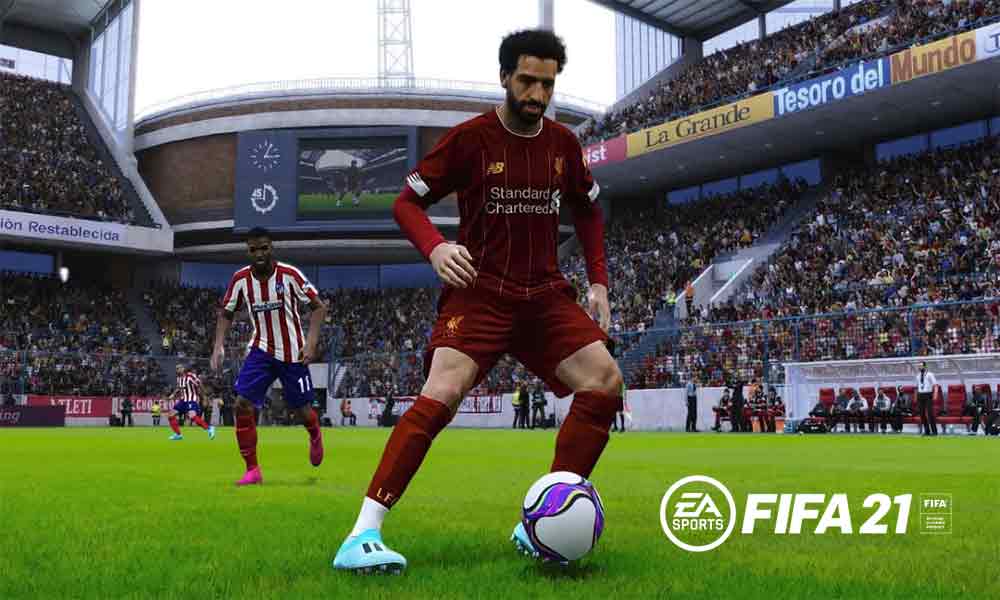
We’ve managed to provide a simple guide that will help you to fix FIFA 21 Connection Issues and Errors. Without wasting much of your time, let’s get started.
show
Why Connection Issues are Occurring in FIFA 21?
How to Fix FIFA 21 Connection Issues and Errors
Restart your gaming system
Check game server is working or not
EA account
Local network Troubleshoot
Replacement with a wired setup
Check for low bandwidth situations
What if nothing works?
Why Connection Issues are Occurring in FIFA 21?
Whenever you play any online games, these kinda problems are normal. There might be issues by the server’s end or by yours. Below are some issues that might cause connection issues in FIFA 21:
- The new game’s server needs time to settle, this could happen due to a server that is currently under fix by developers.
- Holding multiple EA accounts can also cause the problem.
- Check your internet speed, if it’s dropping then the problem lies there.
- Sometimes the wireless connection is unsuitable, as it is less reliable. try using an ethernet cable connected to your PC.
- Temporary glitches, this could be for a specific time so it will need a certain time to fix.
How to Fix FIFA 21 Connection Issues and Errors
There is more than one possible solution mentioned below. So follow the guide till the end.
Restart your gaming system
Restarting your gaming system like PC or gaming consoles is the major thing you can do. Just turn the system off, unplug the power cable, and wait for 30 seconds. This will refresh your PC or console, now try to run the game.
Check game server is working or not
Check that the EA sports server is working properly. Go to the EA website to know the server status of the game. If the server is not working then relax, the problem is not by your end. You can try again when the server is working properly.
EA account
Players are reporting that they’re encountering FUT errors. Now, this could because of the accounting glitch. Try to play the game by using another EA account. If it’s working then assume that the glitched account was having a FUT error.
Local network Troubleshoot
Sometimes, the problem lies in the local network that will lead to a connection problem. Try to this:
- Perform speed test
- Power Cycle the router
- Check the weather its intermittent connection
Replacement with a wired setup
As mentioned above, the wireless is sometimes unsuitable, as it is less reliable. If you’re using Wi-Fi then connect your PC via ethernet cable. And try to run FIFA 21.
Check for low bandwidth situations
Low bandwidth can cause trouble while playing the game, this probably happens when you’ve connected multiple devices under the same internet connection. Try to disconnect those devices and try to run the game.
What if nothing works?
If nothing is working among the solutions mentioned above, then there are still other things you can do. The potential fixes are as follows:
- Close all the program running in the background
- Adding an exception to the firewall
- Make changes in NAT type, turn it to open
- Optimize MTU of console
- Open up the ports that are blocked
- Setup Static IP address and use it
- Use IPv6
- Get better internet connection by changing internet service provider
That’s it for now. You can comment below for your further queries or your experiences. Till then stay tuned for more info. You can also follow us on Google News or the Telegram group below for real-time notifications whenever Gadget Headline publishes any post.
[su_button url=”https://news.google.com/publications/CAAqLggKIihDQklTR0FnTWFoUUtFbWRoWkdkbGRHaGxZV1JzYVc1bExtTnZiU2dBUAE?oc=3&ceid=IN:en” target=”blank” style=”3d” background=”#32afed” size=”5″ center=”yes” radius=”0″ icon=”icon: newspaper-o” text_shadow=”5px 10px -5px #444f57″ rel=”nofollow”]Follow Us on Google News[/su_button]
[su_button url=”https://telegram.me/gadgetheadlinenews” target=”blank” style=”stroked” background=”#32afed” size=”5″ center=”yes” radius=”0″ icon=”icon: paper-plane” text_shadow=”5px 10px -5px #444f57″ rel=”nofollow”]Join Telegram for Tech Updates[/su_button]
